Technology is integral to running a company in today's business landscape. Technology connects businesses to clients, automates meticulous processes, and manages vast amounts of data, among other critical functions. Essentially, technology helps businesses grow and thrive.
What happens, though, when the opposite is true? What happens when the technology that once promoted more productivity and business growth begins to slow down or fail to scale with growing business needs? Many businesses hesitate to address antiquated technology, but failing to update aging systems can have serious consequences.
How does a company's trusted infrastructure go from providing necessary support to causing the business to hemorrhage money? Every company's system is different, but the path to frustration and financial encumbrance usually runs through several common phases.
What makes this path so dangerous is that each phase, on its own, tends to look reasonable at the time, a quick fix here, a workaround there, and only in hindsight, once the system has become a genuine liability, does the pattern become obvious.
Table of Contents
- Phase 1: Birth of the System
- Phase 2: Growth, Improvement, and Hotfixes
- Phase 3: Problems Arise and Old Workarounds Stop Working
- Phase 4: Problems Persist and Disrupt Business
- Phase 5: Action Is Required
- The Solution
- Frequently Asked Questions
Phase 1: Birth of the System
- Within the company, employees spend time and effort generating reports on paper and keeping paper records
- Someone has a great idea to build a simple software system to help with those manual tasks
- As a result, productivity increases and the system benefits the company greatly
- The software is written on a single computer that is used by all employees as the sole terminal to the system
Phase 2: Growth, Improvement, and Hotfixes
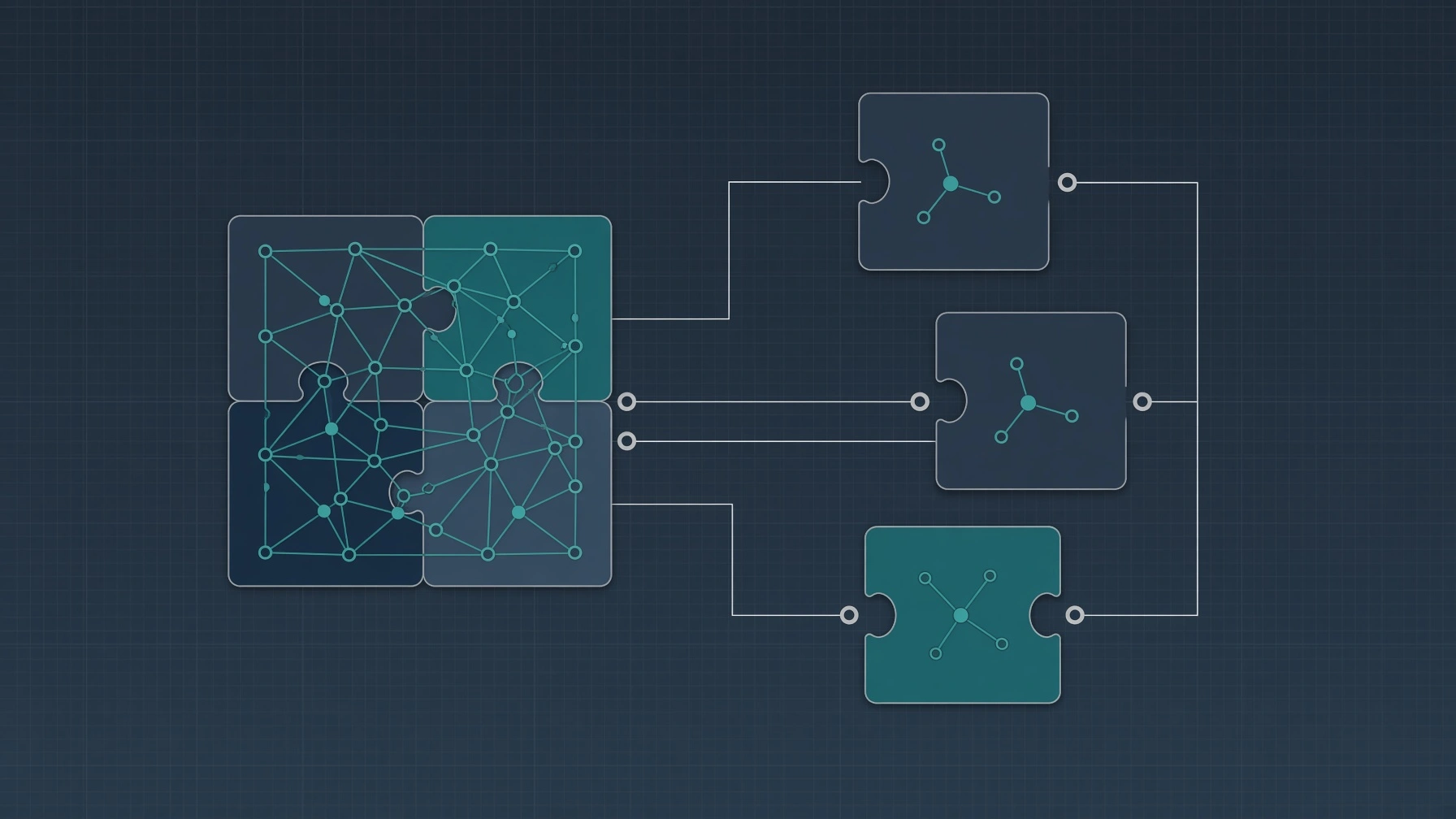
- As the company grows, improvements are added to the technology
- One by one, new features are added to fix old problems, often times by different developers or system administrators
- As more hotfixes and features are implemented, the architecture of the system gets more complicated
- Employees learn to work through the kinks and quirks that are required to run the system normally
- As time goes by, temporary solutions become permanent and routine
This phase is often the most deceptive, because things generally still feel like they're working. Employees adapt to the system's quirks so gradually that the quirks stop registering as problems at all, they just become "how the system works here." That adaptation is exactly what makes the next phase so disruptive when it finally hits.
 Trusted Software & AI Partner
28+ Years of Experience
400+ Projects Delivered
99% Client Satisfaction
Trusted By



Phase 3: Problems Arise and Old Workarounds Stop Working
- The technology ages and relies on an outdated operating system
- It is forced to use unsafe, old versions of software
- Data within the system is difficult to alter, expand, or rework
- Due to years of unorthodox cataloging, data can become difficult to reach
- The code was written using previously unknown, exploitable methodologies that were never updated to prevent or counteract the danger of exploitation once those dangers became preventable
Phase 4: Problems Persist and Disrupt Business
- The system becomes glitchy, sometimes fatally so
- Some usual operations require users to log out in order to function
- Sometimes only a single machine can perform certain critical tasks
- Sometimes a single account can lock out other users
- Data is corrupted by:
- Software freezing while it was saving data
- Technology limitations
- Power outages
- Incorrect or invalid data input (the system expects one format but receives another)
Phase 5: Action Is Required
- The technology is a complete hindrance to continuing business
- Something must be done to either fix or replace the old system
- By this point, business has been turned away, and money lost due to the old system and its problems
The Solution
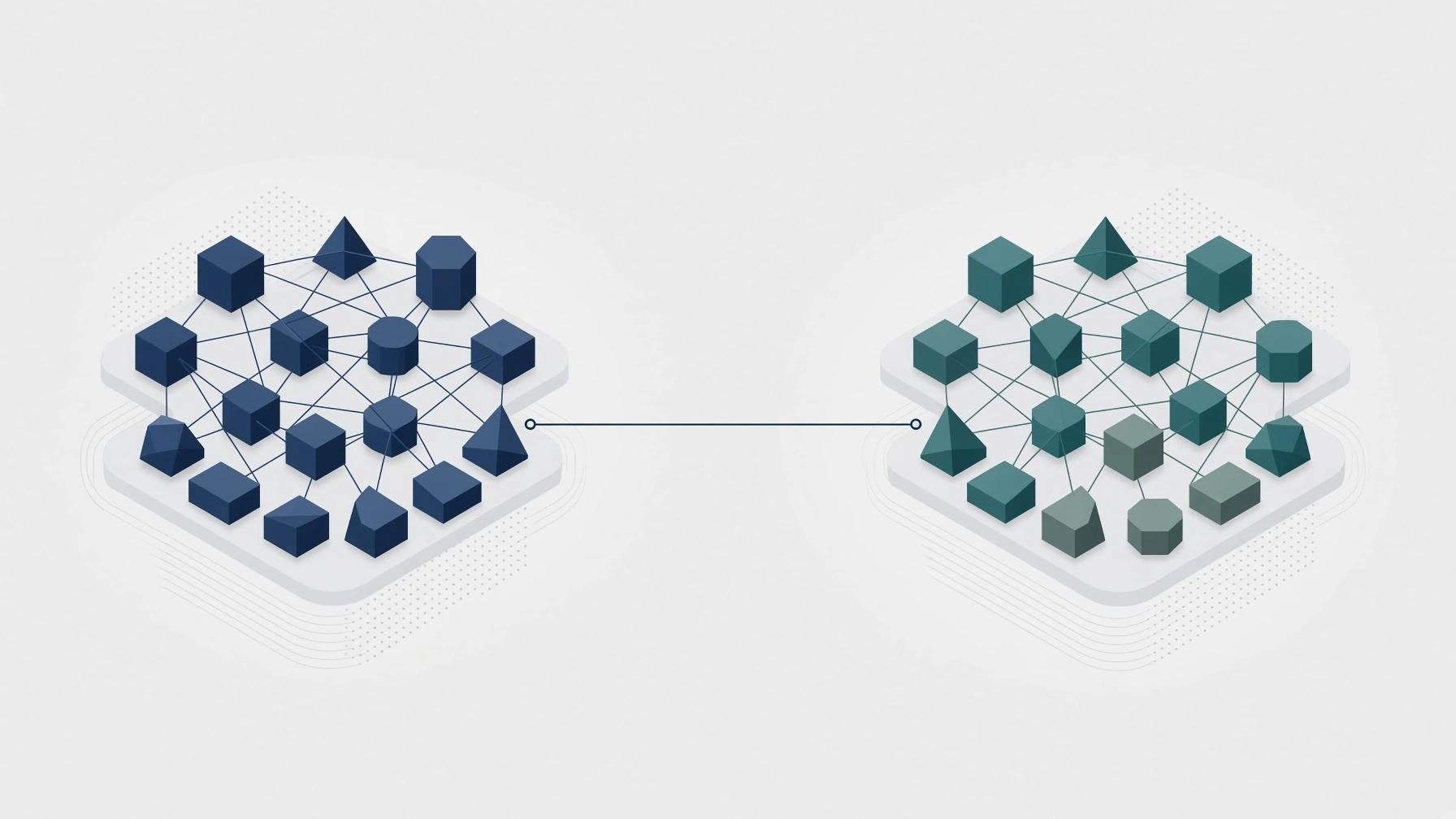
The solution to an antiquated system is not always simple. Many companies cannot just ask the original developer to rewrite the system with updated technology. Sometimes a product is available on the market to replace certain functions within a system, but cost is always a factor when licensing an off-the-shelf solution.
Furthermore, changing working procedures and adjusting the business model is not something anyone wants to do just to accommodate a software fix; changes can often carry more risk than the benefits of an off-the-shelf product.
Once a system gets so bogged down by antiquated technology that it hinders the business, there is only one sure-shot way to move forward effectively, fix all issues, and provide the support needed for a full recovery: outside help.
Custom software development (legacy system modernization) is an opportunity to finally be free of the burden of a slow, laggy, glitchy, or convoluted system that is preventing your business from reaching its potential. Limping along while dragging your ancient infrastructure behind you is no way to thrive when custom software can remedy the problems while seamlessly integrating with your business model, something you will never find out of the box.
Don't wait until your system is costing you customers, productivity, reports, data, or other symptoms of outdated technology; seek professional help and get your business back on track.
Modernizing a legacy system doesn't have to mean a full, ground-up rebuild. In many cases, the most cost-effective path is phased modernization - replacing or re-architecting the most fragile and business-critical pieces first, while leaving stable components alone until they, too, need attention.
The right approach depends entirely on how deeply the antiquated pieces are entangled with the rest of the system, which is exactly the kind of assessment worth getting an outside, experienced opinion on before committing to a full rewrite.
Frequently Asked Questions
How do I know if my company's technology has become antiquated?
Common signs include frequent system glitches, data that's difficult to access or update, reliance on outdated or unsupported operating systems, and workarounds that have quietly become permanent parts of daily operations. If fixing one problem routinely creates a new one, that's a strong signal.
Is it cheaper to patch an old system or replace it entirely?
It depends on how deeply the underlying problems are embedded. Patching is often cheaper in the short term but tends to compound the same architectural issues that caused the problems in the first place. A proper technical assessment is the only reliable way to know which approach actually costs less over time.
Can I just buy an off-the-shelf product to replace my legacy system?
Sometimes, for specific functions, but off-the-shelf products come with licensing costs and rarely integrate seamlessly with an existing, custom-built business model. Changing your working procedures to accommodate someone else's software often introduces more risk than it removes.
What are the business costs of waiting too long to address antiquated technology?
The most common consequences include lost customers, reduced employee productivity, delayed reporting, and corrupted or inaccessible data. These costs tend to compound quietly until the system becomes an outright hindrance to operating the business.
Does modernizing a legacy system mean rebuilding everything from scratch?
Not necessarily. A phased approach, which modernizes the most fragile or business-critical components first while leaving stable parts of the system alone, is often more cost-effective than a full rebuild, depending on how entangled the outdated pieces are with the rest of the system.
Who should I talk to if I suspect my system is heading toward failure?
An experienced legacy system modernization team can assess where your system stands in this lifecycle and whether targeted fixes, phased modernization, or a full rebuild makes the most sense for your situation.